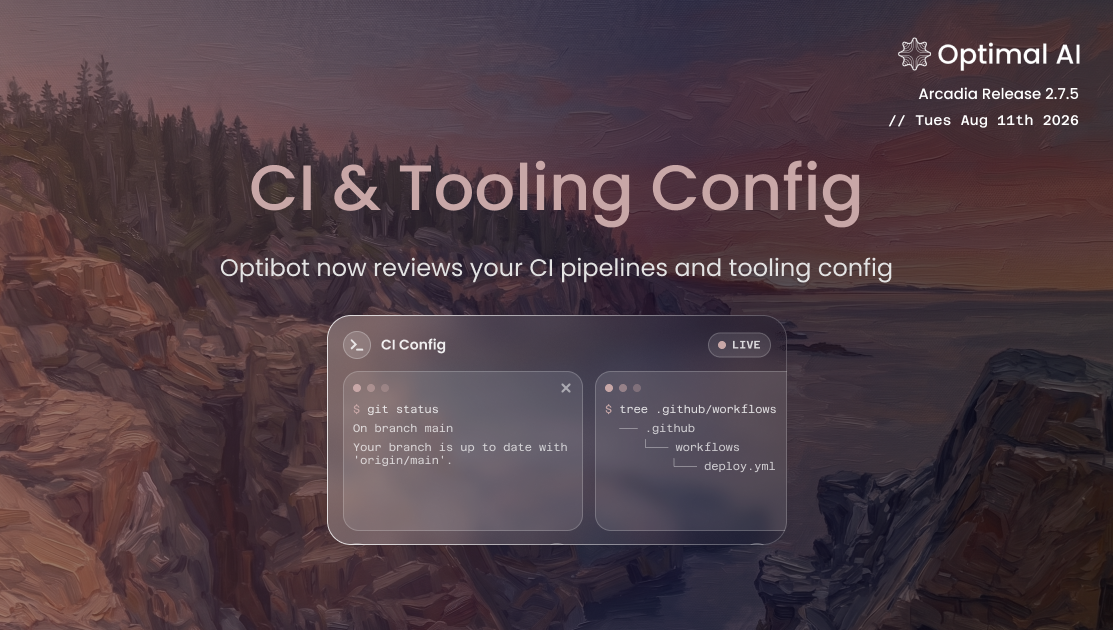
Optibot Now Reviews Your CI & Tooling Config
Optibot's search tools can now read config in dot-folders, like .github/workflows, .circleci, and .husky, instead of skipping hidden directories entirely.
Optibot's search and review tools used to skip hidden directories entirely. Most of the time that's the right call, but a lot of teams keep real, review-relevant config in dot-folders: CI pipelines in .github/workflows or .circleci, pre-commit hooks in .husky, security rules in .semgrep. Optibot could still see a change to one of those files in a PR's diff, but its search tools reported nothing when it tried to confirm a referenced file actually existed or pull in surrounding context, occasionally flagging files that were really there as missing.
Improvements
Optibot can now search dot-folders
Optibot's search tools now read common CI and tooling config that lives in dot-folders, like .github/workflows, .circleci, and .husky, plus config for common editors and dev tooling. Reviews can now confirm referenced files exist and pull in the CI checks, hooks, and tooling config that actually govern the repo.
Scoped to stay fast
Rather than a blanket toggle, this is scoped to directories that hold genuine, review-relevant config, so scans stay fast even on large repos with heavy tracked build artifacts.
Consistent across every tool
File search, directory listing, and CI analysis now share the same updated scope, so what Optibot can reference during a review lines up with what it scans when it analyzes your CI setup.