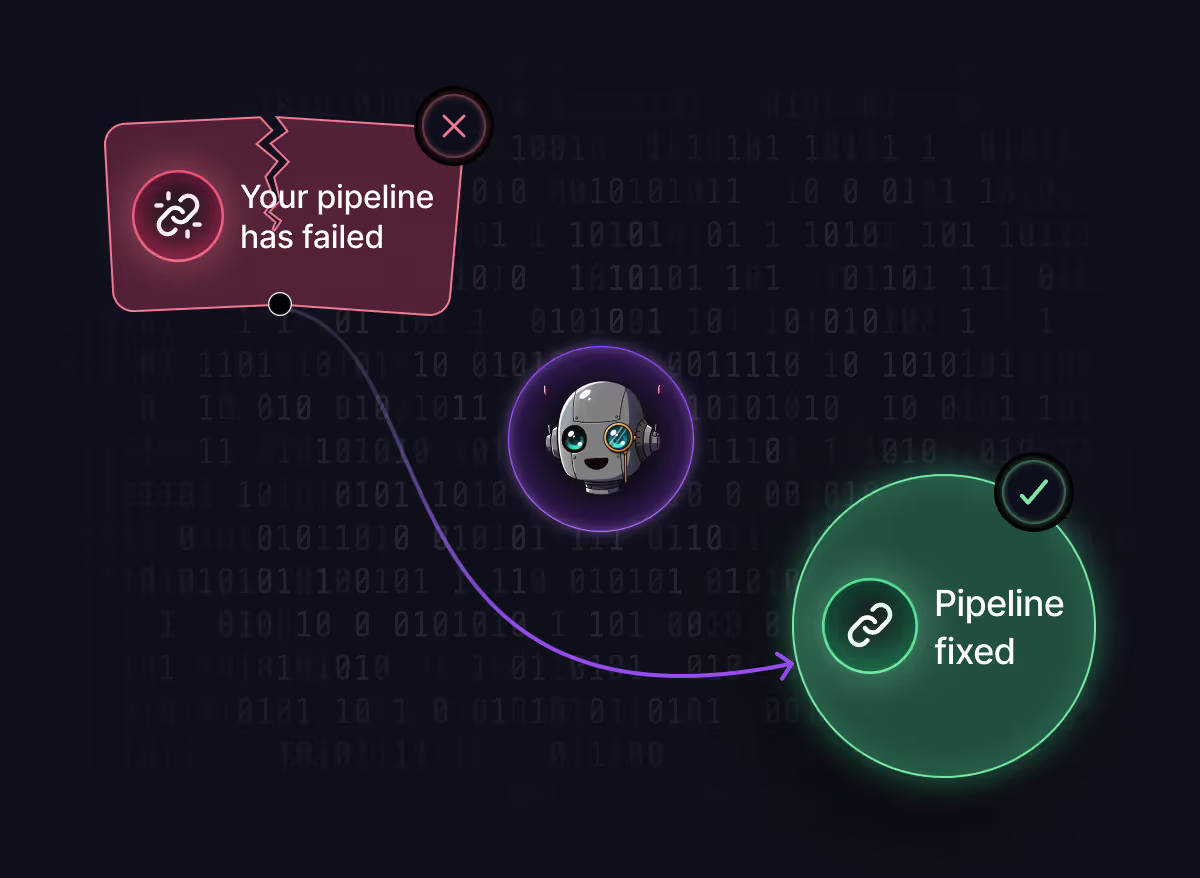
Stop babysitting broken builds.
The CI Fixer Agent detects failed workflows, reads the error logs, and pushes a targeted fix back to the branch — automatically. Your pipeline stays green without anyone pulling up the log tab.
feat: add annual plan discount logic
Checks
✗ @parcel/transformer-js: Expression expected
✗ Type 'number' not assignable to type 'string'
src/pages/Partials/Contributors.tsx:47
src/router/paths.ts:12
Fixed 2 issues across 2 files. Build is passing.
paths.ts — Changed BUILD_TEST from number to string
Contributors.tsx — Removed invalid throw, fixed empty if block
// failure → fix
How does the CI Fixer Agent work?
The CI Fixer Agent detects failed workflows, reads the error logs, and pushes a targeted fix back to the branch — automatically. Your pipeline stays green without anyone pulling up the log tab.
$ npm run build
✘ @parcel/transformer-js: Expression expected
  src/pages/Partials/Contributors.tsx:24:5
✘ Type 'number' is not assignable to type 'string'.
  src/router/paths.ts:12:7
── CI failed · run #1842 ──

▲ Optibot CI Fixer triggered
  → reading logs… 2 root causes identified
  → generating patch across 2 files…
  → committing 7a3c019 "fix(ci): resolve type mismatch + invalid throw"
  → re-triggering CI…
✔ build passed · 00:42 · run #1843
export const BUILD_TEST: number = 42; export const BUILD_TEST: string = "42"; if (!contributors) { throw; } if (!contributors) return null; // how it works
What are the four steps to fix a CI failure?
The CI Fixer Agent works in four steps: detects a failed CI run, reads the error logs, applies targeted fixes directly, and posts a summary comment while re-triggering CI.
Detects a failed CI run
FAILEDThe agent watches every pull request and wakes up the moment a workflow goes red — no polling, no webhooks to wire up.
Reads the error logs
Parses the full CI output end to end, correlating stack traces and tool errors against the repo to trace each failure to a root cause.
Applies targeted fixes directly
Commits a surgical patch to the branch — no rewrites, no scope creep — touching only the files implicated by the failure.
Posts a summary comment
PASSINGLeaves a PR comment explaining what broke, what changed, and why, then re-triggers CI so reviewers see green on their next refresh.
// impact
Who benefits from the CI Fixer Agent?
Teams that ship fast benefit from the CI Fixer Agent, saving an average of ~30 minutes per CI failure with zero manual triage steps and 24/7 active monitoring across every PR.
Avg. time saved per CI failure
Manual triage steps required
Active across every PR
To enable in Optibot settings
// features
What types of CI failures can the CI Fixer Agent fix?
The CI Fixer Agent can fix various CI failures including type mismatches, syntax errors, missing imports, and configuration issues by reading full logs and applying codebase-aware patches.
Full log analysis
Reads the entire CI log to trace failures to root cause. Every stack frame and tool error is considered before a fix is committed.
Codebase-aware fixes
Patches are generated with full repo context, not guesswork. The agent sees how your types, imports, and modules actually fit together.
Instant turnaround
Failure to fix in seconds, no waiting on teammates. Reviewers see green on their next refresh instead of pinging the author.
PR comment summary
Every fix is documented with what broke, what changed, and why. Reviewers get the narrative without opening the diff twice.
Works in VS Code & Cursor
Trigger fixes without leaving your editor. Optibot surfaces the agent in the IDE panels your team already uses.
One-click setup
Enable from Optibot settings — no config files, no pipeline changes. The agent starts working on your next failed build.
// setup
How do I enable the CI Fixer Agent?
Toggle CI Fixer on from your Optibot settings dashboard — no config files, no pipeline changes. The agent starts working on your next failed build.
Active agents
Enable or disable Optibot agents running on your repositories.
CI Fixer Agent
Auto-detect and repair failed CI builds on every PR
AppSec Agent
Scan for security vulnerabilities on every review
Dependency Bundler
Consolidate Dependabot PRs into one weekly update

Frequently Asked Questions
How does the CI Fixer Agent differ from traditional CI/CD tools?
Traditional CI tools notify you of failures but require manual triage. The CI Fixer Agent automatically reads error logs, traces root causes, commits targeted fixes, and re-runs pipelines — eliminating the manual debugging loop.
Which CI platforms does the agent support?
The CI Fixer Agent works with any CI platform that integrates with GitHub or GitLab, including GitHub Actions, GitLab CI/CD, CircleCI, Jenkins, and others. It monitors pull request status and responds to failures regardless of your CI provider.
What types of CI failures can it fix?
The agent can fix common development errors like type mismatches, syntax errors, missing imports, configuration issues, and dependency problems. It analyzes full CI logs to understand context and applies surgical patches to only the affected files.
How does it ensure code quality with automatic fixes?
Every fix is codebase-aware, considering your project's types, imports, and architecture. The agent generates patches that fit your existing code patterns and includes a PR comment explaining what broke, what changed, and why.
Can I control when the agent runs?
Yes, you can enable/disable the CI Fixer Agent per repository from Optibot settings. It only triggers on failed CI runs and respects your team's workflow — no interference with successful builds or manual processes.
How does pricing work for the CI Fixer Agent?
CI fixes consume AI Credits from your organization's prepaid balance. Each fix costs credits based on complexity, with automatic low-balance alerts. Monitor usage and top up anytime from Billing settings.
How does Optibot handle my source code?
Optibot follows a zero data retention model for analyzed code. Repositories are scanned to generate fixes, but source code is not retained beyond what's required to deliver the results and maintain service quality.
How quickly can I start using the CI Fixer Agent?
Enable the agent from Optibot settings — no config files or pipeline changes required. It starts working on your next failed CI run, with the first fix typically applied in under a minute.
// get started
Ready to stop babysitting broken builds?
Engineering teams at MongoDB, Prado, and Blaze already run Optibot across their pull requests. Your next failed build doesn't need a triage.