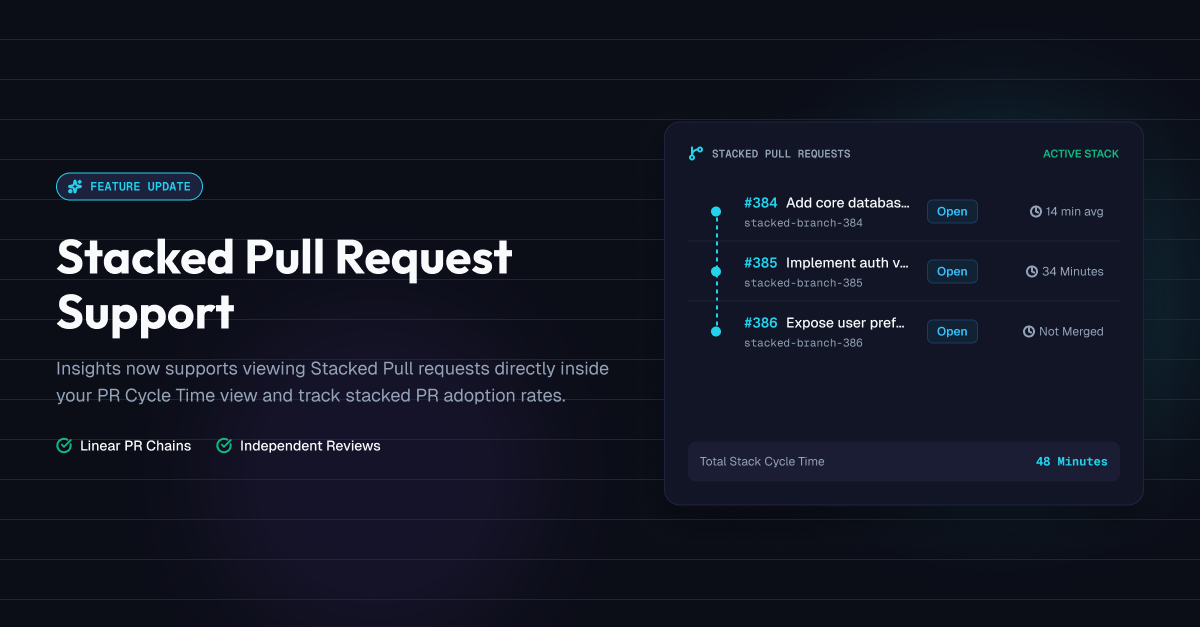
Stacked Pull Request Support
Insights now supports viewing stacked pull requests directly inside your PR Cycle Time view, with stack-level cycle time and stalled-stack visibility.
Stacked PRs, without the blind spot
Stacking pull requests (splitting a larger change into a chain of small, dependent PRs) is a great way to ship reviewable diffs. But it's always been a blind spot for engineering metrics: each PR in a stack gets measured on its own, so a five-PR stack can look like five separate (and misleadingly fast) units of work instead of the one connected effort it actually is.
Insights now understands stacks natively, for GitHub-connected organizations.
What's new
Stack-level cycle time
See how long a stack takes end-to-end, from the first PR opened to the last one merged, as a single metric instead of piecing it together from individual PR times. In-progress stacks are excluded until every member has merged, so partial stacks never skew the average.
Stalled-stack visibility
Open a stack's detail view and a "Stalled" label tells you which members have gone quiet, open but not progressing toward merge, before that turns into a bottleneck.
Stack adoption, coming soon
We're also tracking what share of your team's PRs are part of a stack. A dedicated view for that is on the way.
Ask the AI chat
Ask things like "what's the status of PR #42's stack?" or "has this stack fully merged?" and get the full chain back in the answer, no need to click through each PR individually.
Where to find it
Any PR that's part of a stack now shows a "Stack N/M" badge next to its title in the PR Cycle Time table. Click it to open the Stacked Pull Requests view, showing every PR in the chain, each member's status, and the stack's cycle time once it's fully merged.
Available now for GitHub-connected organizations. Request a demo to see Insights in action.