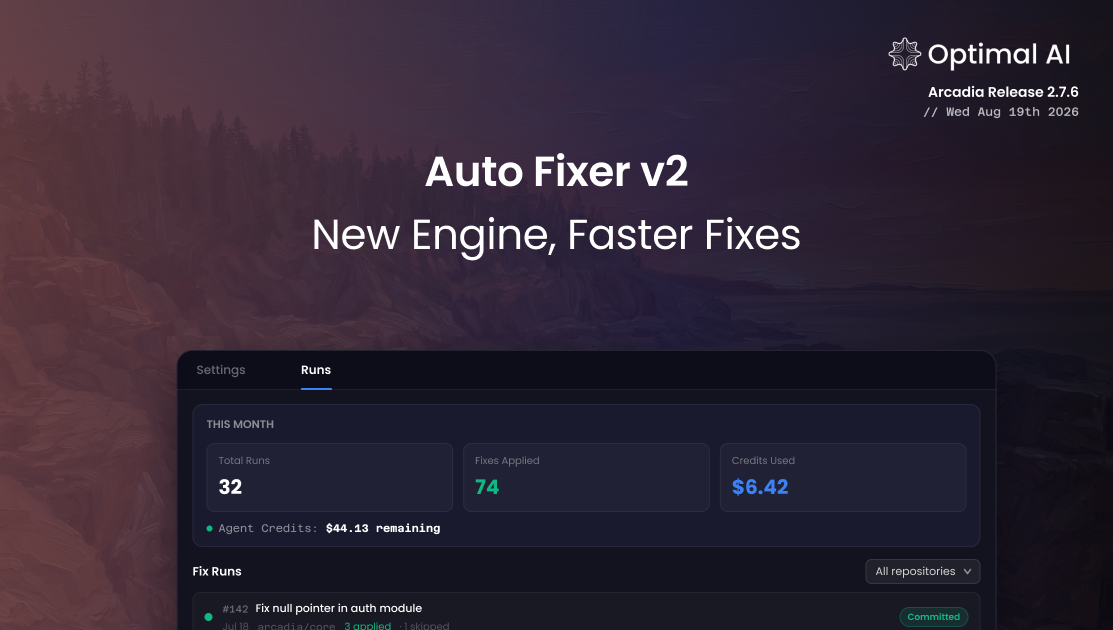
Auto-Fixer v2: New Engine, Faster Fixes
Choose Kimi K3 or Claude Sonnet 5 to apply fixes, control delivery and budget from a new dashboard tab, plus a faster engine with a built-in syntax check.
Optibot's one-click fixer is running on a new engine. Nothing to configure, no workflow changes: it now applies fixes faster and more efficiently, with a few smart additions that make its output easier to trust at a glance.
The fixer can apply the fix for essentially any finding a review surfaces, provided you haven't dismissed it: logic bugs, security issues, performance problems, duplicated or dead code, style, documentation, and test gaps. Dependency-version changes are handled separately, by Optibot's dependency and supply-chain scanning.
Faster and More Cost-Efficient
Measured across roughly 100 fixer runs on the old engine and roughly 100 on the new one, the average cost and token usage per fix both dropped substantially, with no change in what gets fixed or how.
Based on Optibot's internal fixer-run telemetry, comparing roughly 100 runs on the old engine to roughly 100 on the new one.
How we got there: the fixer now decides how much work each fix actually needs, doing more investigation on a gnarly one and moving fast on a simple one, instead of always taking the same number of steps regardless of how complicated the fix is. That adaptive approach cuts out a lot of the redundant work the old fixer used to do, and paired with a more cost-efficient default model, it accounts for most of the savings, with nothing given up on what actually gets checked or fixed.
It saves time too. The usual alternative is pulling the branch locally, opening up a coding assistant, and re-explaining the context it needs to make the change safely, burning your own time and your own token budget in a separate conversation before you're even back in the PR. The one-click fixer skips all of that: no checkout, no context switch, no separate session to spin up. You click the link in the PR and the fix lands there.
What's New in v2
Pick the model that applies your fixes
A new Fixer Settings tab in the dashboard lets your organization choose which model runs the one-click fixer. Kimi K3, a fast, cost-efficient open-source model, is now the default, or switch to Claude Sonnet 5 if you prefer. The setting applies org-wide, and either way you get the same fixer behavior: syntax-checked edits, delivered your way.
Control delivery and budget
The same settings tab now covers how fixes are delivered (a separate draft PR, or straight to commits on the PR branch) and a per-run max budget between $0.50 and $100, so you decide when the fixer wraps up.
A built-in syntax check
Every one-click fix is now checked to confirm it still parses before it's applied. If a proposed change would break your file's syntax, it's rejected instead of applied, adding another layer of confidence on top of an already solid track record.
Clearer credit for skipped vs. failed fixes
Fixer summaries now separate findings you declined from findings the fixer genuinely couldn't resolve, instead of lumping both together. You can tell at a glance whether something needs your attention or was intentionally left alone.
Cleaner PR threads
Re-review and fixer links now only appear when there's something left to act on. A fully clean review keeps its thread free of extra action links, and a review with fixes applied keeps the re-review link while retiring the fixer link once its work is done.
Improvements
Jira validation no longer flags false mismatches
If you changed approach mid-PR, updated the linked Jira ticket, and asked Optibot to regenerate its summary, Jira validation could still compare against the original, now-stale summary and wrongly flag the PR as off-ticket. Optibot now always validates against the latest summary, and falls back to reading the ticket against your actual patch whenever a fresh summary isn't available, so validation reflects what's really in the PR.
Clearer admin access messaging
Dashboard pages that require admin access now explain that clearly instead of showing a confusing error, and a display bug that could show the wrong plan badge for your organization is fixed.