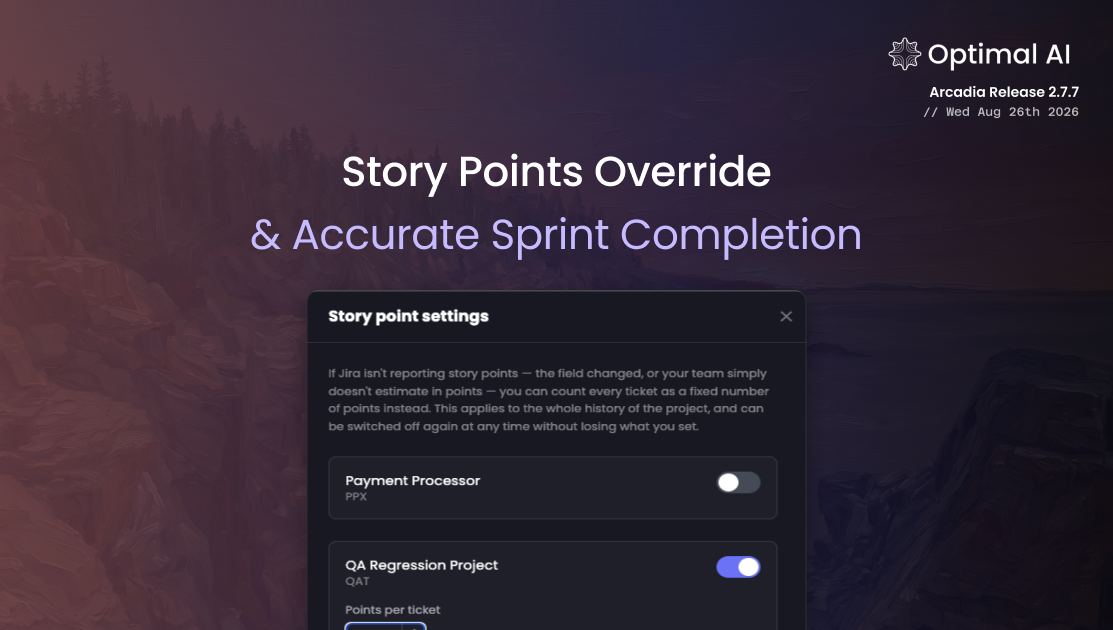
Story Points Override & Accurate Sprint Completion
Insights can measure sprint velocity even when Jira story points are missing or unreliable, plus fixes so lapsed sprints no longer show as current.
Story point data is only as good as the field it comes from. Plenty of teams have a Jira story point field that was never configured properly, got renamed somewhere along the way, or is filled in inconsistently from project to project. Others don't estimate in points at all: a sprint is a set of tickets, and tickets are the unit they plan in. Either way, the Story Points page had little useful to show them.
This release adds a per-project override so those teams get real numbers, and fixes the sprint completion rule that was leaving finished sprints stuck under Active Sprints.
New
Set a fixed "points per ticket" on any Jira project
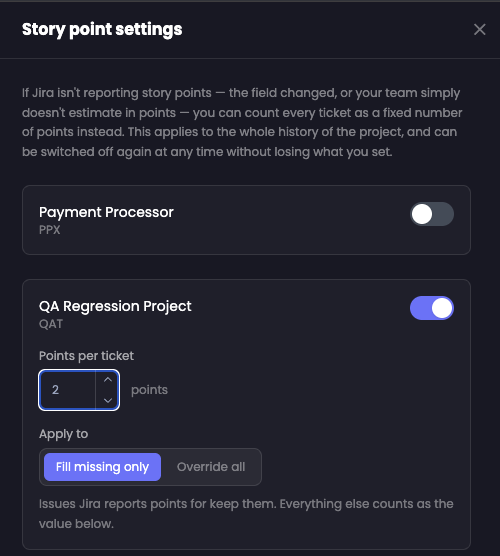
Admins and owners can open Story point settings from the gear beside the Chart and Sprint Review toggle. Every tracked Jira project gets a row there, and switching one on reveals a Points per ticket value and an Apply to choice:
- Fill missing only: issues Jira reports points for keep them. Everything else counts as the value you set.
- Override all: Jira's story point field is ignored. Every issue counts as the value you set.
Values run from 1 to 1000 and are set per project, so a team that estimates properly in one project and works in whole tickets in another can have both represented correctly on the same page.
It covers what you have already shipped
The override applies to the project's whole history rather than starting from the day you switch it on, so past sprints get usable numbers straight away instead of leaving a gap where your chart used to be empty. Switching it back off restores Jira's own figures and keeps the value you set, so there is nothing to lose by trying it on one project first.
The page tells you when numbers are estimated
Whenever a project with an active override contributes to what's on screen, the page shows a badge reading "Estimated: 1 ticket = 3 pts" along with the project it applies to, or "N projects" when several are in view. Overridden figures are never passed off as Jira data.
Fixes
Lapsed sprints now count as complete
Jira only writes a completion date when somebody clicks "Complete sprint". Teams that let a sprint simply run out were leaving it with no completion date forever, so it never appeared under Completed Sprints and sat under Active Sprints labeled "(Current)" indefinitely, sometimes several at once. A sprint is now complete once it has ended, and a sprint closed early still counts as complete before its end date passes.
Sprints appear in the right date window
Each tab now answers its own question instead of all three filtering on "started inside the selected window". A sprint that ran from May to August used to be invisible in every window except May's, including the window it was actually closed in. Completed sprints now show up in the window they finished in, Active ignores the window entirely because "running right now" has no date range, and All is the union of both plus sprints that haven't started.
Sprint counts agree across the page
The summary cards, the chart, and the tab filters now share a single definition of a completed sprint, so the totals at the top of the page match what the chart is plotting.
Also in this release
Optibot's supporting agents have moved onto a current model generation, retiring the preview models sitting behind them. Duplicate-finding confirmation, Dependabot PR classification, PR description generation, the cross-repo query agent, vulnerability lookup, and the comment reply agent are each now matched to a model sized for the work they actually do: light and fast for bounded single-shot classification, stronger for multi-step tool use. Same review quality, less latency in the workflow around it.