Shared Review Rules for Every Repo, Re-Review by Checkbox
Write your review standards once and Optibot applies the right ones to every repository. Plus checkbox re-reviews and owner seat controls.
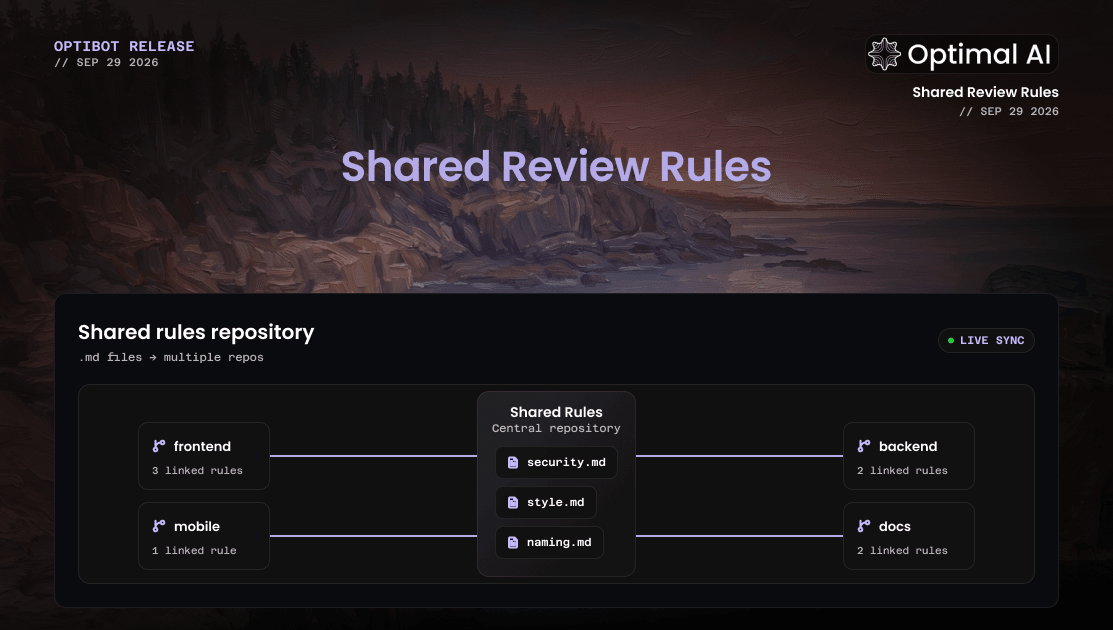
Your team's standards now live in one place. Point Optibot at a single repository of rule documents and it works out which rules apply to each repo in your organization, then enforces them on every review. This release also makes re-reviews one tick away and gives owners control over their own seat.
New
Shared Review Rules
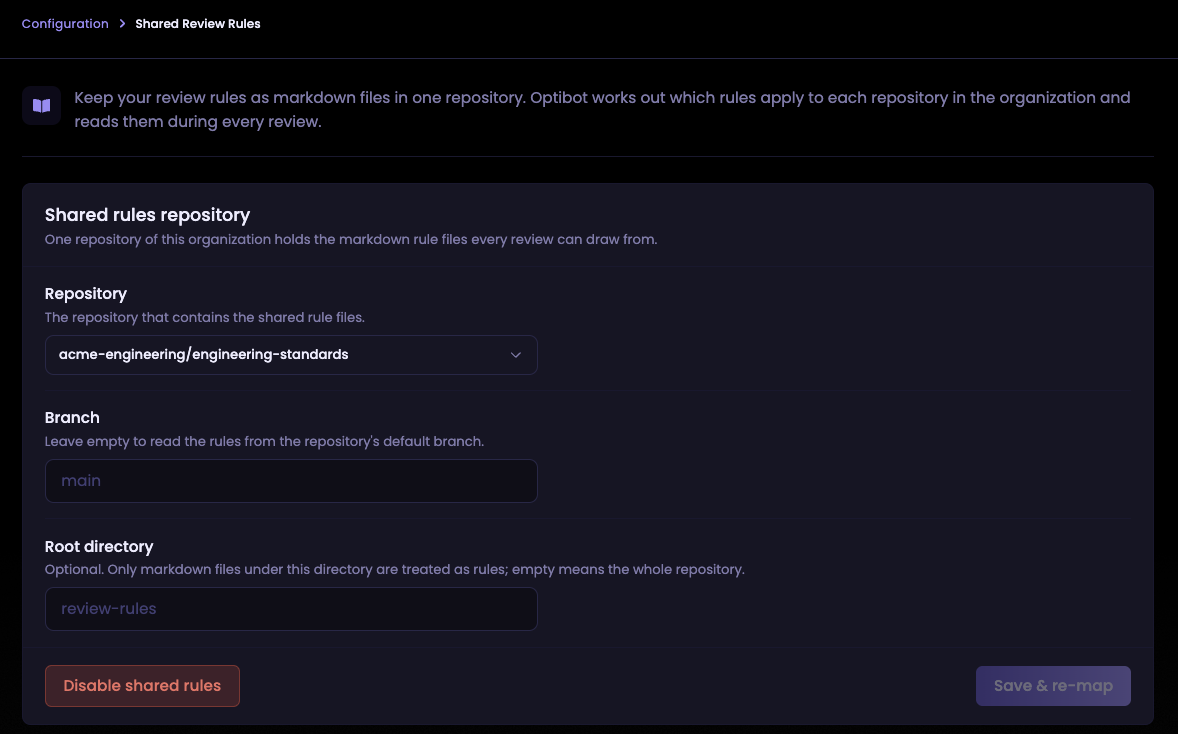
Keep your engineering standards (logging, error handling, framework conventions) in one repository instead of copying them into every repo. An owner picks the shared repository from Configuration → Shared Review Rules, and can optionally choose a branch and folder. Optibot reads each document and assigns it to the repositories it actually applies to.
- Mapped for you: a backend service gets your TypeORM and logging rules, and your React app gets the hooks guide. Files that aren't rules, like READMEs and changelogs, are skipped automatically.
- Stays current: push a change to a rule file and Optibot re-maps just that file.
- You stay in control: add or remove a rule for any repository from the dashboard. Your changes stay in place when mapping runs again.
- Cited in every review: findings link straight to the rule they enforce, and each review lists the shared rules it applied. A repository's own guidelines still take priority when the two conflict.
Works with GitHub and GitLab. See the Shared Review Rules guide for setup, best practices, and limits.
Re-review with a checkbox
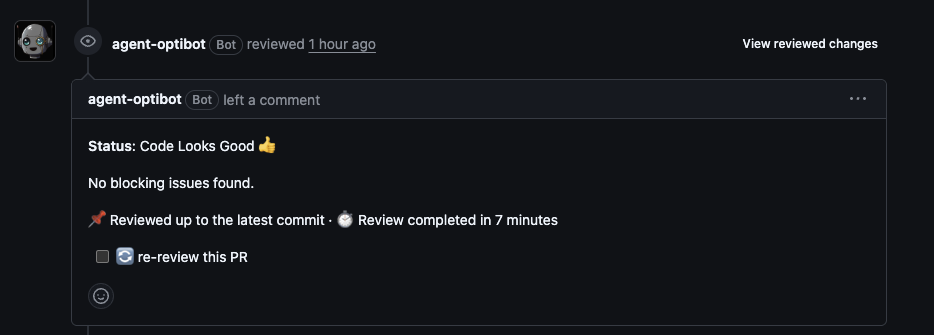
Optibot reviews, summaries, and Review Fixer summaries on GitHub now end with a re-review this PR checkbox instead of a link. Tick it and a fresh review starts. The box clears itself so you can use it again.
Why the change: many companies run email security tools that open every link in an incoming email to check it's safe. GitHub notification emails include the full review, so those scanners could open the re-review link and start a review nobody asked for. A checkbox can only be ticked by a signed-in teammate with write access to the repository, so every re-review now comes from a real person on your team.
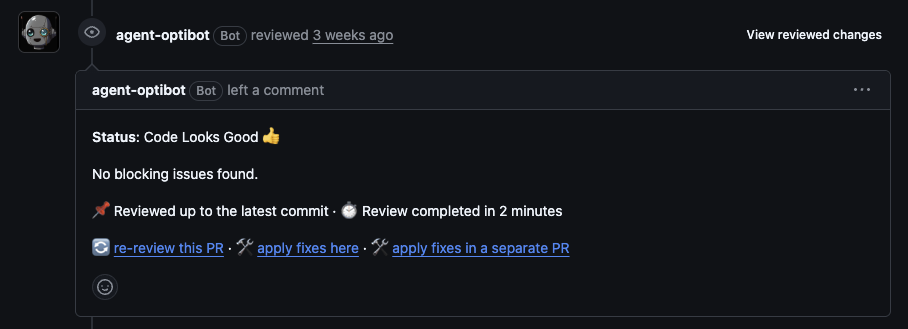
Re-review links on older reviews and the re-review button in Slack keep working as before.
Improvements
Owners can give up their seat
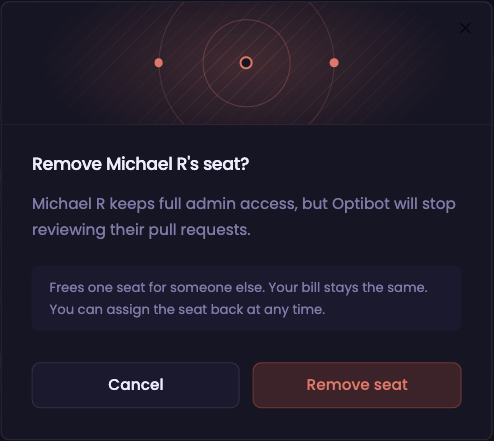
Owners who only administer Optibot can now remove their own seat from the Members tab. They keep full admin access, Optibot stops reviewing their pull requests, and the seat is free for a teammate. Assign it back at any time.

API keys run reviews as the person who created them, so creating a key now needs a seat. The API Keys tab tells you when that's the case.
Jira service accounts connect correctly
Atlassian service accounts now connect on the first try and see all of your Jira projects.
Faster agent mode on mid-size changes
CLI agent mode now returns findings sooner on medium and larger changes, and gives the same results as before.
Summaries arrive on busy days
When a summary is slow to generate, Optibot now moves it to a backup automatically, so the summary still gets posted.