A New Dashboard and Shorter PR Summaries
A redesigned Optibot dashboard with light mode and quick search, and pull request summaries that open with what changed.
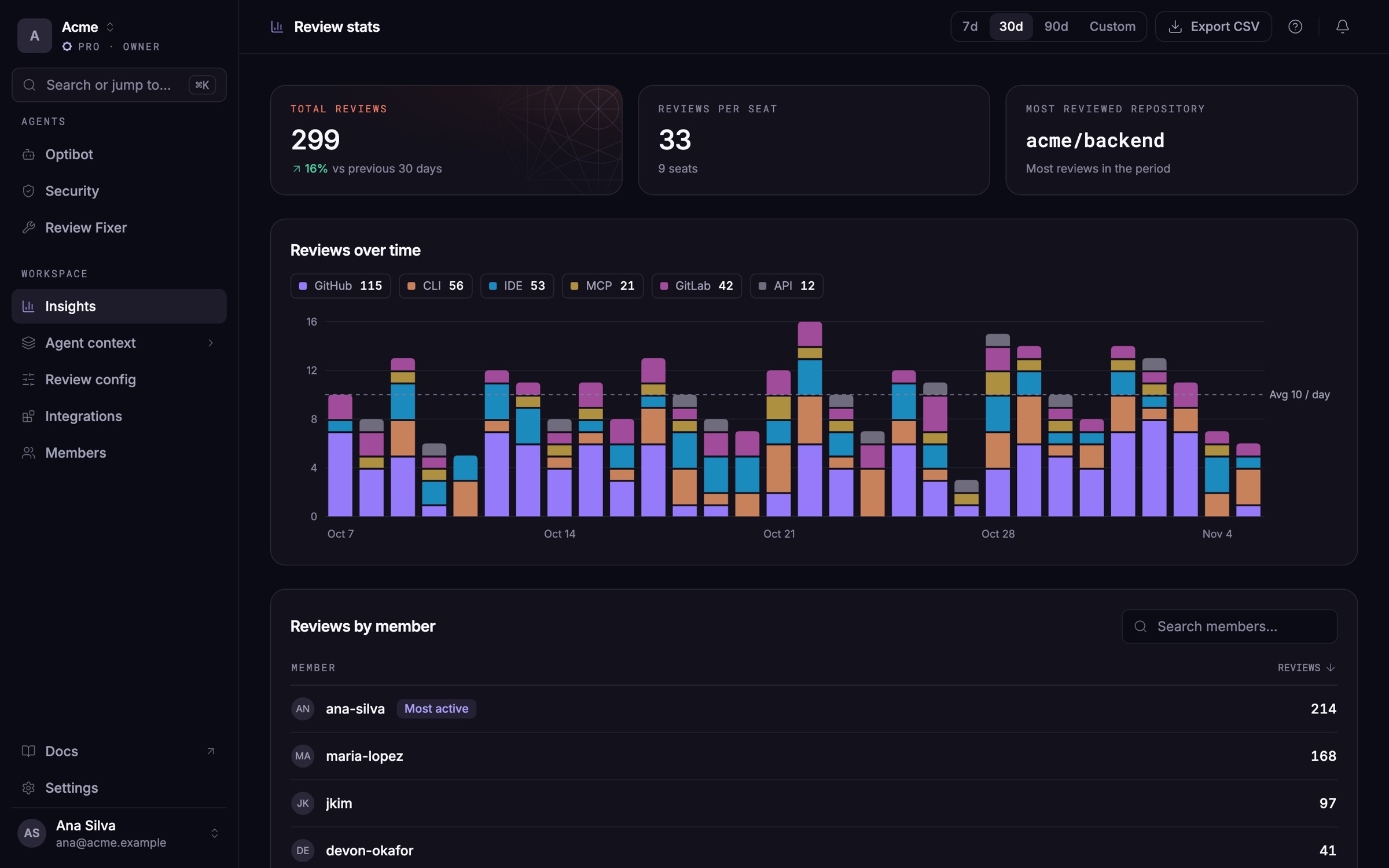
The Optibot dashboard has a new design, with light mode and a faster way to get around. Pull request summaries now open with what changed, in a few lines, and keep the detail one click away.
New
A redesigned dashboard
The sidebar now follows how you work: your agents first, then your workspace, then settings.
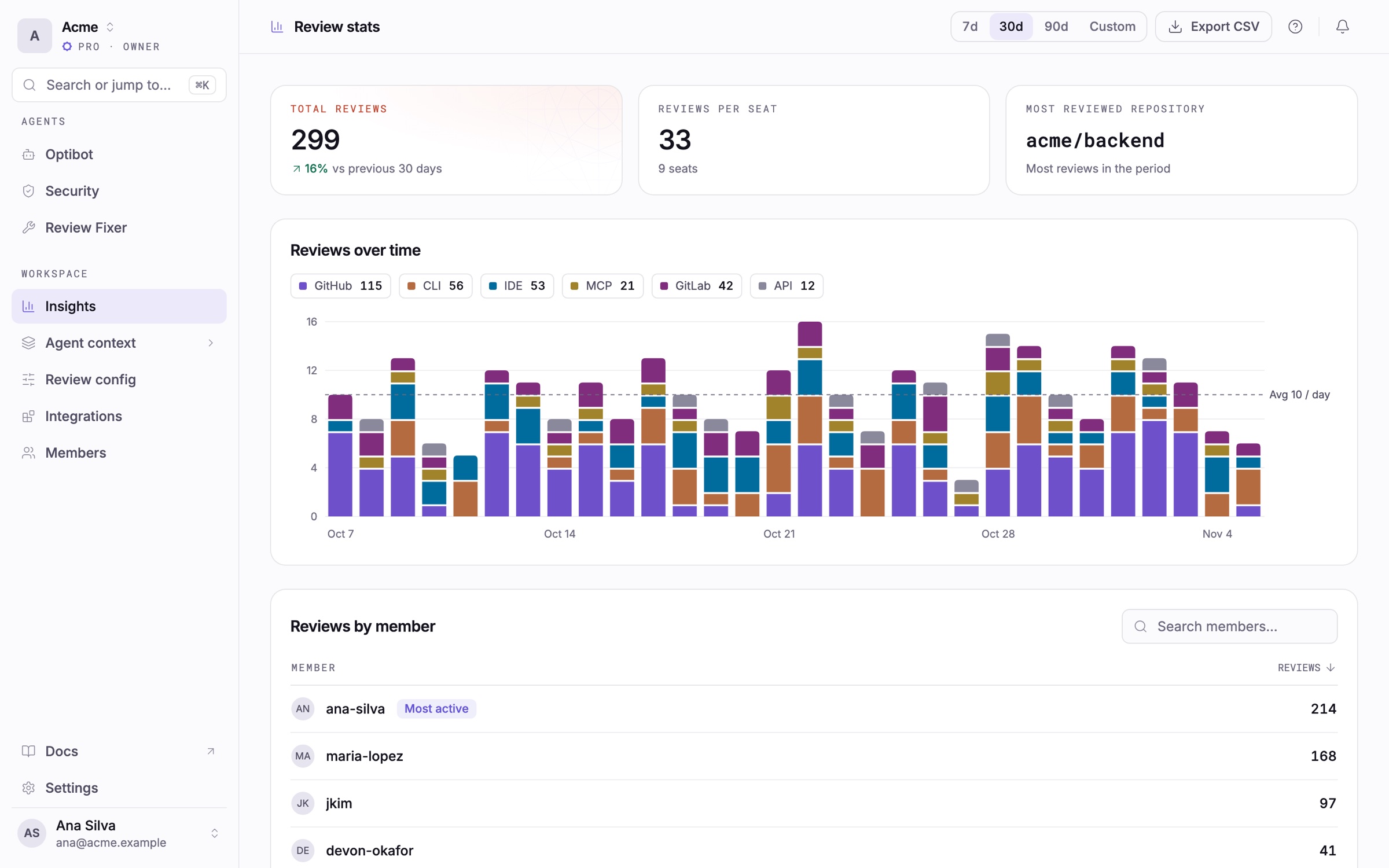
- Light mode. Turn it on from the account menu at the bottom of the sidebar. The dashboard remembers your choice, and the codebase map follows it.
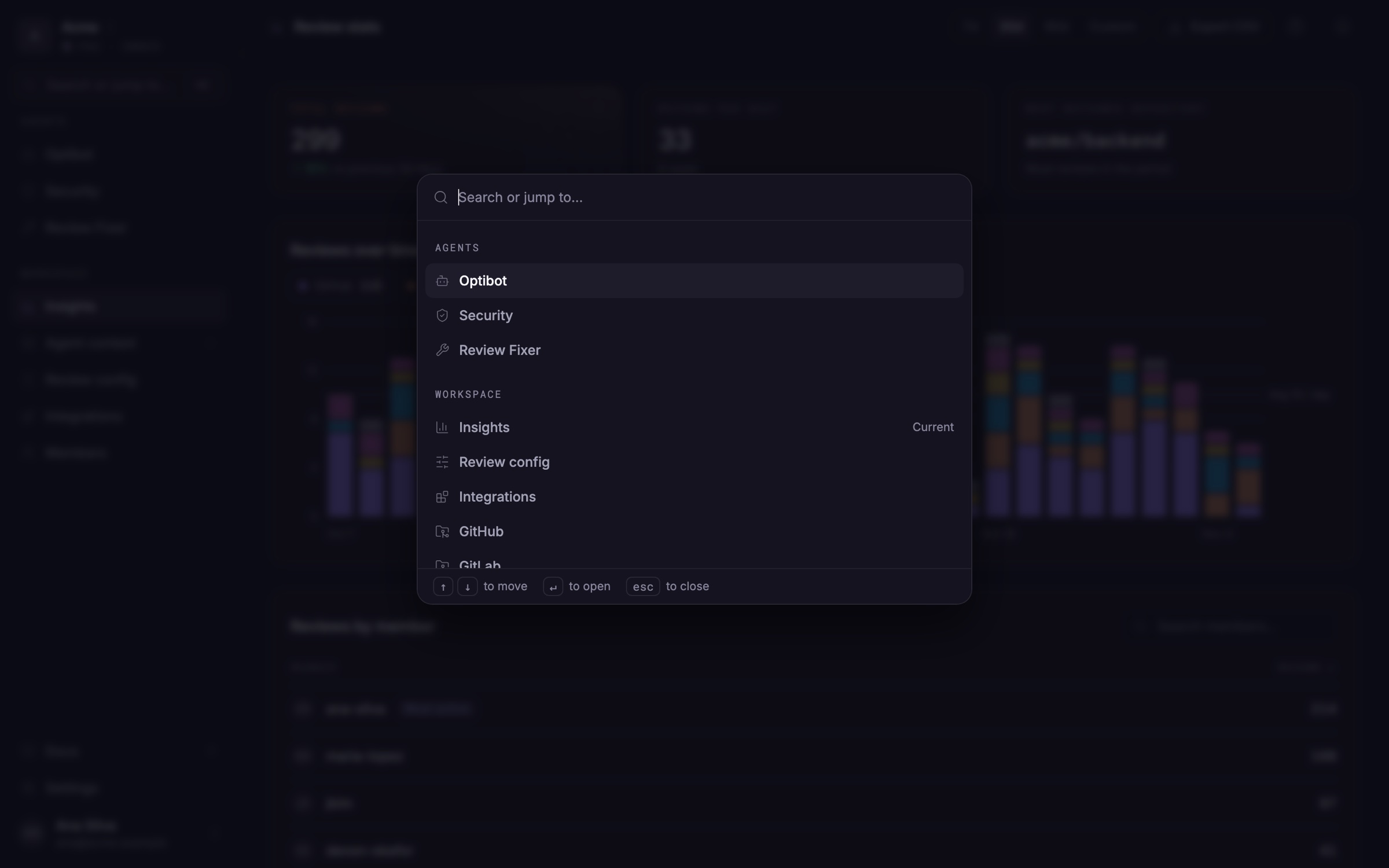
- Quick search. Press ⌘K (Ctrl+K on Windows and Linux) to open any page by name, or by what you're after, such as "credits" or "invite". Your recent pages are listed first, and typing a repository's name takes you straight to its guidelines.
- Review config and Integrations in the main menu. Both now sit under Workspace, next to Agent context (codebase map, guidelines, review memory and shared rules). GitHub, GitLab, Slack and Jira share one Integrations page.
- Insights. Review stats now lives under Insights, with headline numbers, reviews over time, a per-member table and CSV export. Links to the old Repo insights page open Review stats.
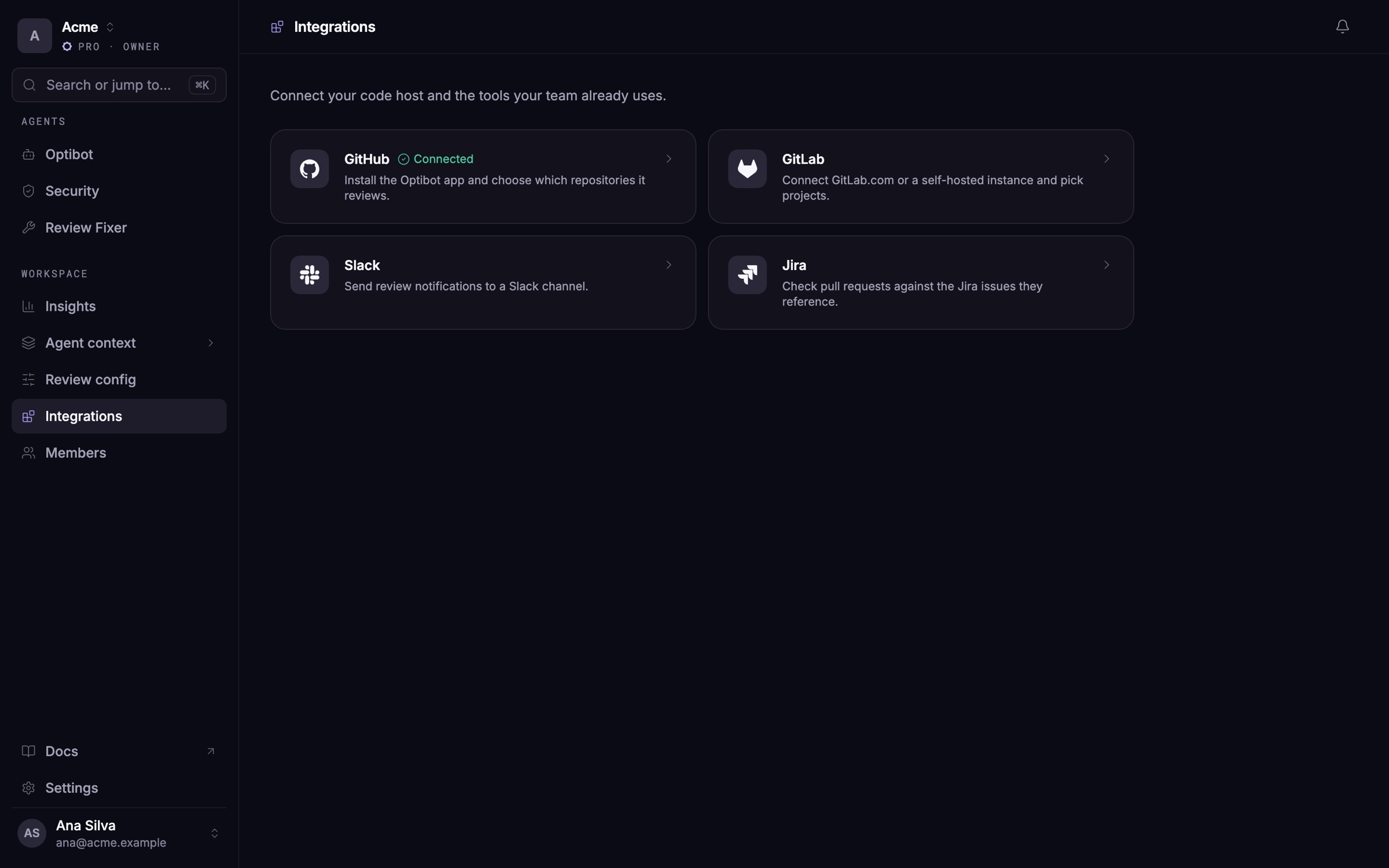
PR summaries that get to the point
Every pull and merge request summary now starts with a one-line headline and the changes that matter most. Below them, flags call out what a reviewer must not miss, such as database migrations and new dependencies.
- Detail on demand. The rest of the change sits in a collapsed "Details for reviewers" section. Small PRs get the headline and flags only.
- A one-line footer. It names the commit the summary describes and links to Commands and Review config.
- Release notes in one click. On GitHub, a release PR (for example
developmentintomain) gets a "write release notes" checkbox.
Your summary level still applies: Short leaves out the collapsed details, and Basic and Detailed include them. Nothing to turn on.
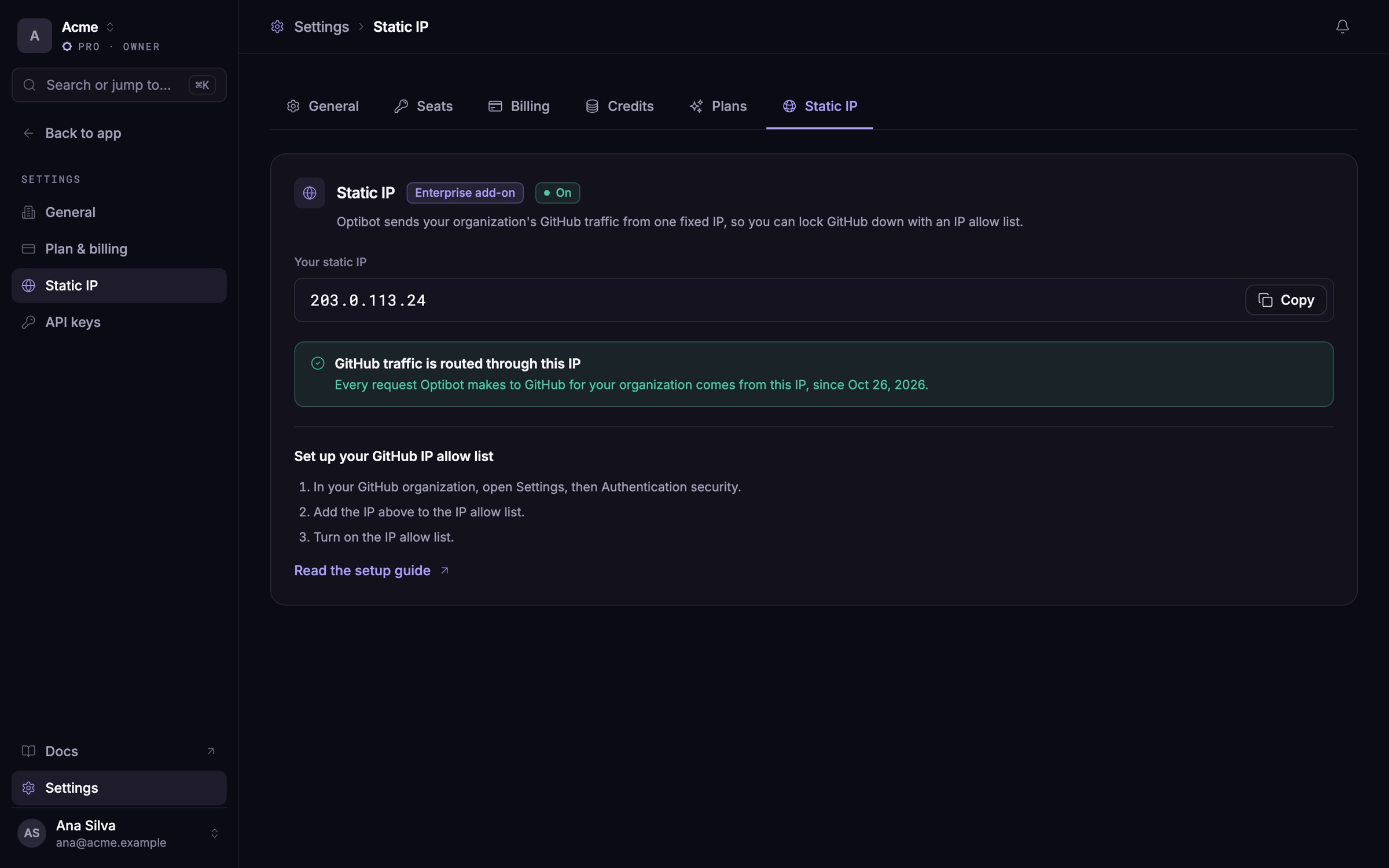
Your static IP, in your settings
With the static IP add-on, organization owners can now copy Optibot's IP address from Settings → Static IP in the dashboard, ready to paste into a GitHub IP allow list.
Improvements
- Instruction files in large monorepos. Auto-detect now finds every instruction file in your repository, including ones in folders such as
.github/and.claude/. - Shareable guidelines links. The Guidelines page's address follows the repository you pick, so a link you share opens that repository's guidelines.
- Up-to-date reviews. Reviews now reflect your latest code after every push.