
Table of Content
Best AI Coding Assistants in 2026: Complete Comparison Guide
AI coding assistants have gone from novelty to standard equipment in about two years. GitHub reports that Copilot now generates over 40% of code in files where it's enabled, and Stack Overflow's 2025 survey found 84% of developers are now using or planning to use AI tools in their workflow.
But the landscape has gotten crowded, and the tools aren't all doing the same thing. Some help you write code faster, others review your pull requests, and a few claim to work autonomously. This guide breaks down 14 of the most popular options, compares them side-by-side, and helps you figure out which combination actually fits your workflow.
What is an AI coding assistant
AI coding assistants are tools that plug into your code editor and act like a pair programmer sitting next to you. They suggest code as you type, help you debug errors, refactor messy functions, and even write documentation. The most popular options right now include GitHub Copilot, Cursor, Windsurf, and Tabnine.
What makes these tools useful is their ability to understand context. A good AI coding assistant doesn't just autocomplete random snippets. It looks at the file you're working in, the function you're writing, and sometimes your entire codebase to offer suggestions that actually fit.
That said, the quality of suggestions varies quite a bit depending on the tool, the programming language, and how much context the assistant has access to. AI-generated code can look correct but contain subtle bugs or security issues, so human review still matters.
How we evaluated these AI coding tools
We looked at five factors when ranking each tool:
- IDE integration: Does it work natively with VS Code, JetBrains, Neovim, or other popular editors?
- Code quality: How accurate are the suggestions? Does it catch security issues or generate tests?
- Privacy and security: Can you self-host? What's the code retention policy? Is it SOC 2 certified?
- Language support: How many programming languages does it handle well?
- Pricing: Is there a free tier? What do per-seat costs look like for teams?
We also paid attention to whether each tool focuses on writing code, reviewing code, or both. These are different jobs, and some tools specialize in one or the other.
Best AI coding assistants ranked
The list below covers both code-writing tools and AI code review agents. Each entry follows the same format so you can compare them quickly.
GitHub Copilot
- Best for: Broad IDE integration and general-purpose code completion
- Strengths: The most widely adopted AI coding assistant with solid enterprise features and support for dozens of languages
- Trade-offs: Some teams report inconsistent suggestion quality, and there's potential for GitHub ecosystem lock-in
Cursor
- Best for: Developers who want an all-in-one AI-native IDE
- Strengths: Built on GPT-4o and Claude models with deep understanding of your codebase
- Trade-offs: You have to switch away from your current editor to use it
Tabnine
- Best for: Enterprise teams with strict data privacy requirements
- Strengths: Lets you train models on your private codebase; strong security posture for regulated industries
- Trade-offs: The privacy focus means less general knowledge compared to cloud-trained competitors
Gemini Code Assist
- Best for: Teams already working in Google Cloud
- Strengths: Tight GCP integration and natural language interaction
- Trade-offs: Less mature than Copilot and not particularly useful outside Google's ecosystem
Amazon Q Developer
- Best for: Teams building on AWS
- Strengths: Deep awareness of AWS services and infrastructure patterns
- Trade-offs: Limited value if you're not in the AWS ecosystem
JetBrains AI Assistant
- Best for: Teams already using IntelliJ, PyCharm, or other JetBrains IDEs
- Strengths: Native integration that generates code, tests, and explanations using your project's context
- Trade-offs: Only useful if you're committed to JetBrains editors
Windsurf
- Best for: Developers interested in more autonomous, agentic coding workflows
- Strengths: Codeium's editor designed for AI that takes initiative rather than just responding to prompts
- Trade-offs: The agentic approach is newer and may require adjusting how you work
Claude Code
- Best for: Complex refactoring and multi-file edits
- Strengths: Handles large-scale code modifications from the terminal n- Trade-offs: No graphical interface and a steeper learning curve
Sourcegraph Cody
- Best for: Large monorepos and enterprise code navigation
- Strengths: Combines powerful code search with AI assistance for better context awareness
- Trade-offs: Most valuable when paired with Sourcegraph's broader code intelligence platform
Replit Ghostwriter
- Best for: Beginners and educational use cases
- Strengths: Runs in the browser with zero setup; great for quick prototypes
- Trade-offs: Not built for complex, production-level codebases
Qodo
- Best for: Teams focused on pre-merge quality checks and compliance
- Strengths: Specializes in code quality and automatic test generation
- Trade-offs: More narrow than general-purpose code generators
Aider
- Best for: Developers who want full control and local-first workflows
- Strengths: Open-source and free to use with your own API keys
- Trade-offs: Requires more manual setup than commercial alternatives
Devin
- Best for: Delegating entire tasks like fixing failing tests or building small features
- Strengths: Positioned as an autonomous AI software engineer, not just an assistant
- Trade-offs: Expensive and requires trusting AI to execute code autonomously
Optibot by Optimal AI
- Best for: Teams that want senior-level review on every PR without overloading human reviewers
- Strengths: An AI code review agent with full codebase context that catches 2x more security vulnerabilities than traditional tools. Integrates natively with GitHub, GitLab, VS Code, Cursor, Slack, and Jira.
- Trade-offs: Focuses on reviewing code rather than writing it, so it pairs well with code-writing tools rather than replacing them
AI coding assistants comparison table
Best free AI coding assistants
If you're working solo or just want to try things out, several tools offer genuinely useful free tiers.
- Optibot: The Code Review Agent that Delivers Quality Without Creating Noise.
- Codeium/Windsurf: Generous free tier for individual developers
- GitHub Copilot Free: Limited completions per month
- Tabnine Basic: Code completion with usage caps
- Aider: Completely free since you bring your own API key
Free tiers work well for learning and side projects. Paid plans typically add better context awareness, faster responses, and enterprise features like SSO and audit logs.
AI coding assistants vs AI code review agents
These two categories solve different problems, and understanding the difference helps you build a more complete workflow.
AI coding assistants help you write code in real-time. They suggest completions, generate functions, and assist with refactoring as you type. Copilot, Cursor, and Tabnine all fall into this category.
AI code review agents, on the other hand, review pull requests after you've written the code. They look at the full context of your changes and flag bugs, security issues, or breaking changes before anything gets merged. Optibot and Qodo are examples among a growing field of AI-powered code review tools.
Many teams use both. A coding assistant speeds up the writing phase, while a review agent catches problems that line-by-line autocomplete tools miss—Apiiro's research showed AI-generated code introduced 10× more security findings per month across Fortune 50 repositories.
Many teams use both. A coding assistant speeds up the writing phase, while a review agent catches problems that line-by-line autocomplete tools miss. Optibot, for instance, uses historical codebase context to understand past decisions and patterns, which helps it identify issues that a tool focused only on the current file wouldn't catch.
How to measure AI coding tool impact on your team
Saying "it feels faster" doesn't help when you're trying to justify a tool purchase—Gartner survey data shows 42% of engineers report only 1–10% gains from AI. Concrete developer experience metrics tell a clearer story.
- PR cycle time: The total time from when a pull request opens to when it merges
- Review wait time: How long PRs sit waiting for someone to look at them
- Bug escape rate: Issues caught before merge versus issues that reach production
- Developer time saved: Hours reclaimed from repetitive tasks like writing boilerplate or doing manual reviews
Tracking these numbers manually gets tedious fast, and without cycle time benchmarks it's hard to know what good looks like. Tools like Optimal Insights automate the dashboards so you can see trends without maintaining spreadsheets. Teams using Optibot typically save around 4 hours per engineer per week on reviews, security checks, and compliance work.
How to choose the right AI assistant for coding
Picking the right tool depends on your specific situation. Here's a framework that helps:
- Consider your editor: Does the tool integrate natively with VS Code, JetBrains, or whatever you use daily?
- Evaluate privacy requirements: Do you work in a regulated industry that requires self-hosting or specific compliance certifications?
- Match to your cloud stack: AWS-heavy teams might lean toward Amazon Q; Google Cloud teams might prefer Gemini
- Think about budget: Is a free tier enough, or do you need enterprise features like admin controls and audit logs?
- Separate writing from review: Do you want help generating code, reviewing code, or both?
Most teams benefit from pairing a code-writing tool with a dedicated review agent. The combination covers both speed and quality without forcing one tool to do everything.
FAQs about AI coding assistants
How do AI coding assistants handle proprietary code?
Data handling policies vary quite a bit between tools. Some send your code to cloud servers for processing, while others offer self-hosted deployments or zero-retention options. If you're in a regulated industry or working with sensitive code, check each tool's specific data handling policy before adopting it.
Can you use multiple AI code assistants together?
Yes, and many teams do exactly that. A common setup pairs a code-writing tool like Copilot with a review agent like Optibot. The writing tool helps you move faster during development, while the review agent catches issues at the PR stage.
Do AI coding tools work offline?
Most require an internet connection because they rely on cloud-hosted models. A few tools, like Tabnine, offer limited offline modes, though functionality is usually reduced compared to the online experience.
Which programming languages do AI code helpers support best?
Popular languages like Python, JavaScript, TypeScript, and Java tend to get the best support because they're well-represented in training data. Niche or newer languages often have more variable quality, so it's worth testing with your specific stack before committing.
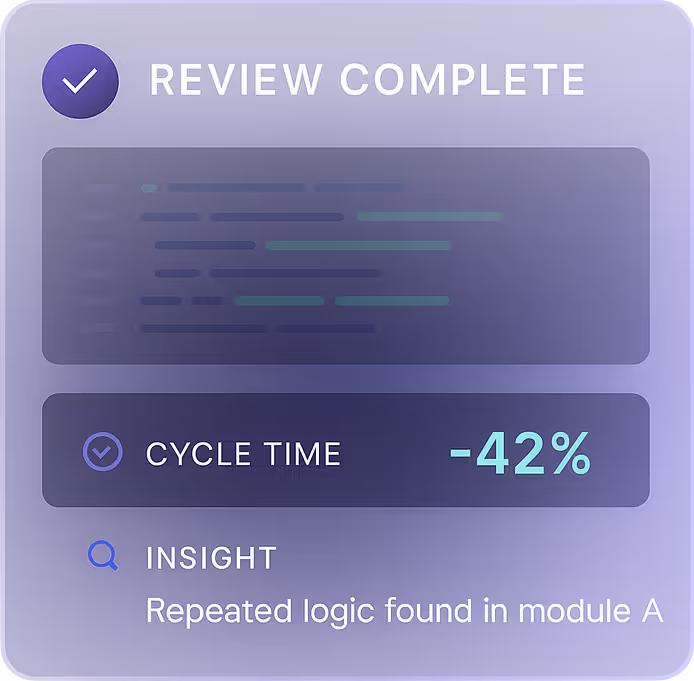
Ship Faster. Review Smarter. See Everything
Finds issues Copilot misse
Tracks cycle time and velocity
Surface real-time insights, all in one place.
Other Articles
10 Best AI Models to Watch in 2025: A Practical Guide for Developers
The Rise of Vibe Coding: How to Build Faster Without Sacrificing Code Quality
How AI Code Review Improves Developer Experience Metrics (Without Sacrificing Privacy)
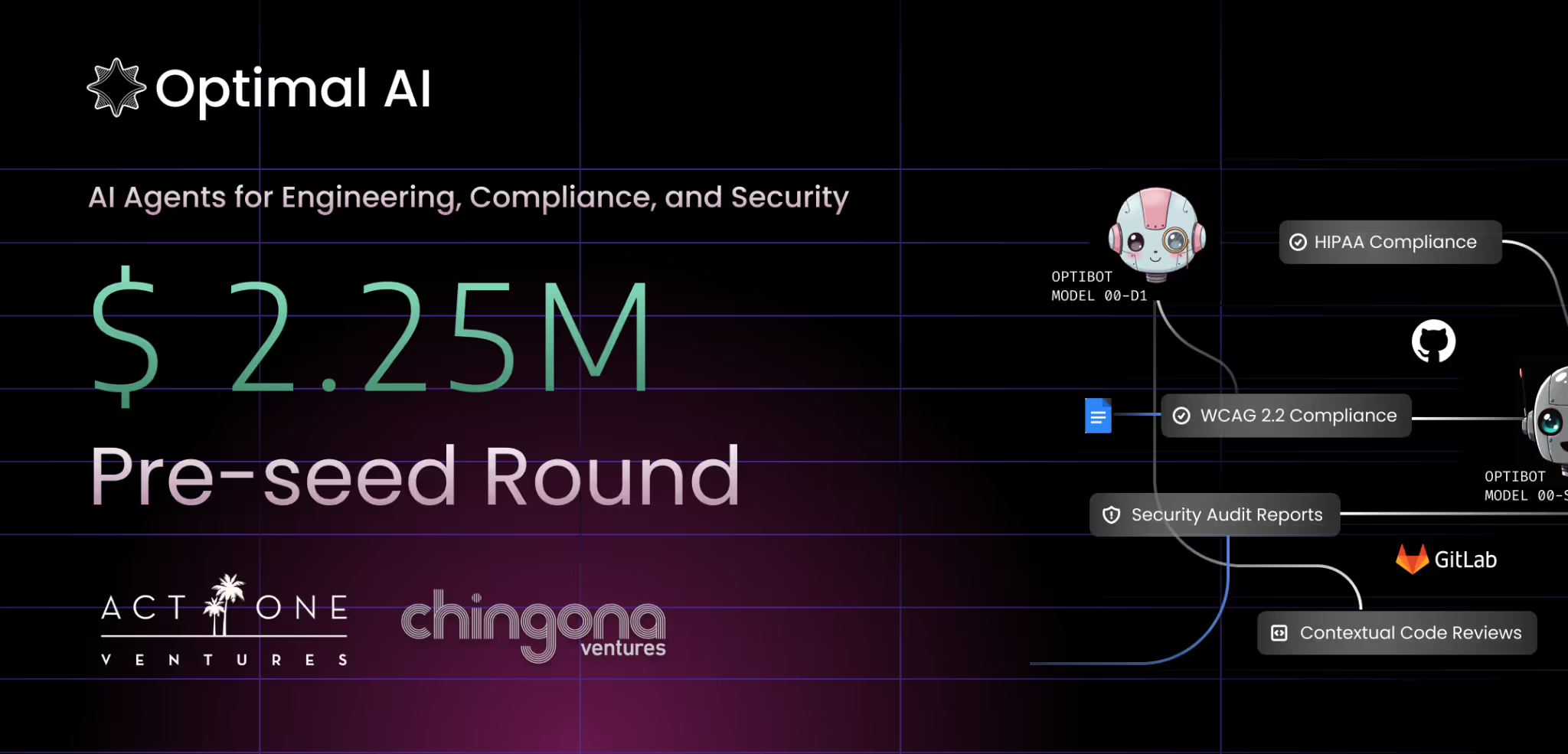
Optimal AI Raises $2.25M to Bring AI Agents to Code Review and Compliance – With Zero Data Retention
The 5 Best AI Coding Assistants of 2025 (In-Depth Review)

Related Articles
.avif)
.avif)

Supercharge your
Productivity with Optimal AI
Automated AI code review and compliance for companies that prioritize faster deployment, enhanced security, and superior code quality.